

What Lemma pulls from Candid
- Remittances for claims billed through Candid, including the claim-level payment breakdown.
- Adjustment and denial detail, so Lemma surfaces a short-paid or denied claim rather than reconciling it silently.
Connect Candid
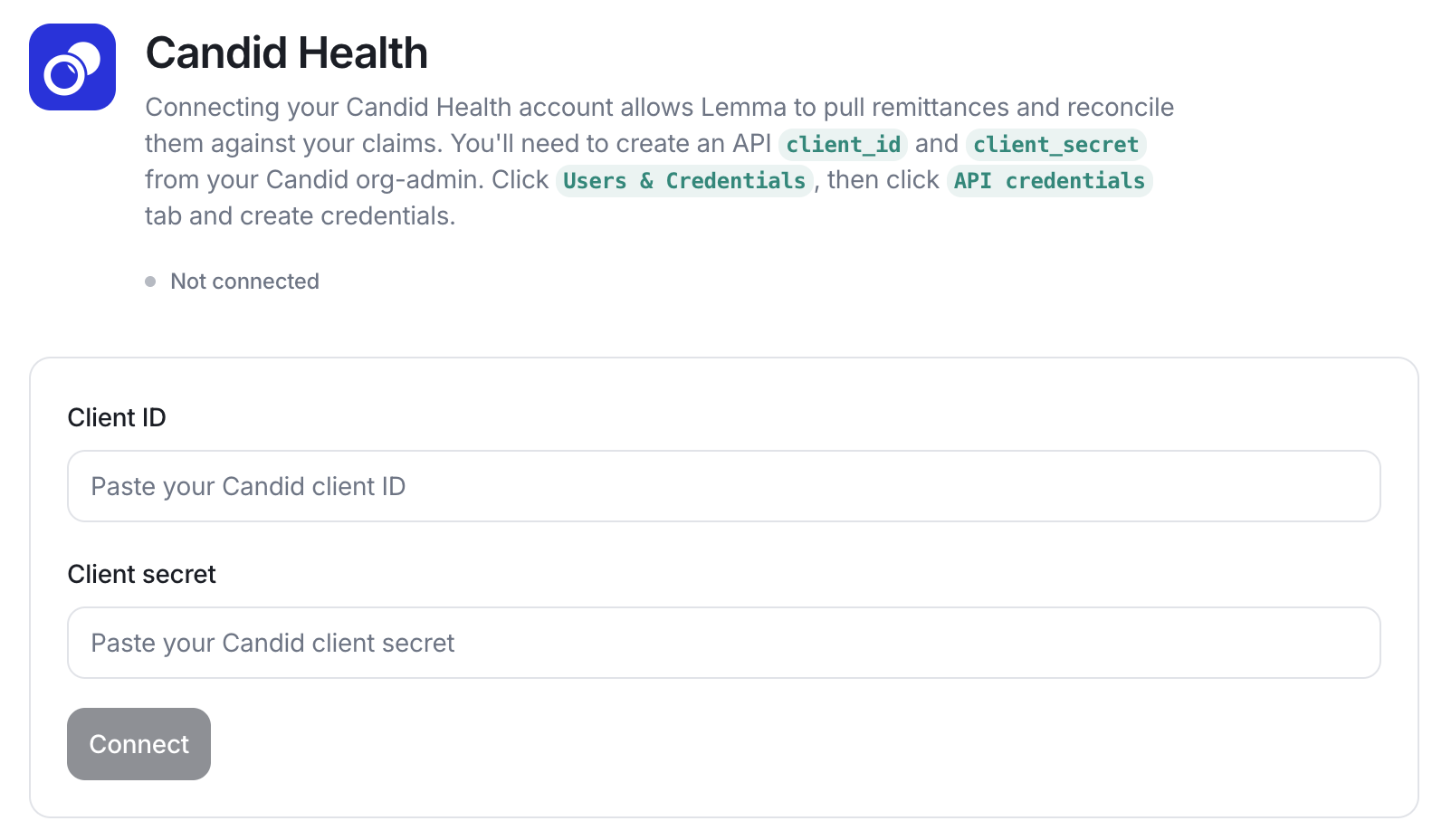
An organization administrator creates API credentials in Candid and shares them with Lemma.1
Create API credentials in Candid
In Candid, open Users & Credentials → API credentials and create a
client_id and client_secret.2
Enable Candid for your entity
Lemma enables the Candid integration for your entity and stores the
credentials securely. Never paste the
client_secret into a support
message.3
Confirm the connection
Once connected, the Candid Health card on your Integrations
settings page shows as
connected.