

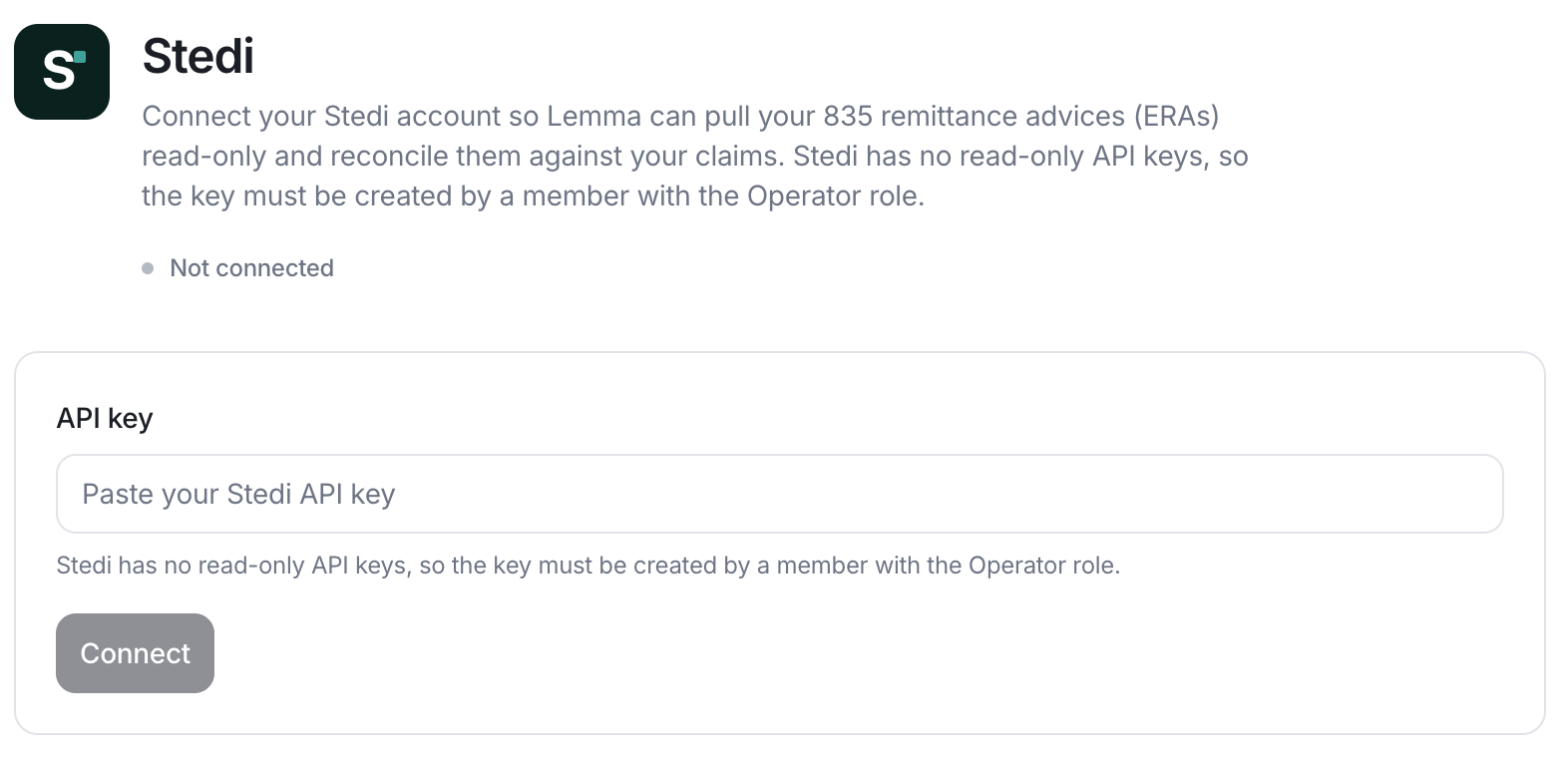
What Lemma pulls from Stedi
- 835 ERAs for your claims, read-only.
- Full claim-level detail: Lemma parses payments, adjustments (CARC), and remark codes (RARC) from the raw 835.
Connect Stedi
Stedi does not issue read-only API keys. Lemma authenticates against the Stedi Core API with a Developer key, and Stedi only lets members with the Admin role create API keys. Ask an Admin in your Stedi account to generate the key.1
Create a Developer API key in Stedi
An Admin in your Stedi account creates a Developer API key for Lemma.
2
Paste the key into Lemma
Open your Integrations settings, open the Stedi card, and paste the Developer API key into the connect form. Lemma stores the key securely. Never paste the key into a support message.
3
Confirm the connection
Lemma tests the key against Stedi before saving. Once connected, the Stedi card on your Integrations settings page shows as connected.