

What Lemma does with Canvas
- Matches remittances to Canvas claims using the parsed claim-level detail.
- Posts reconciled payments back to the matching claim in Canvas.
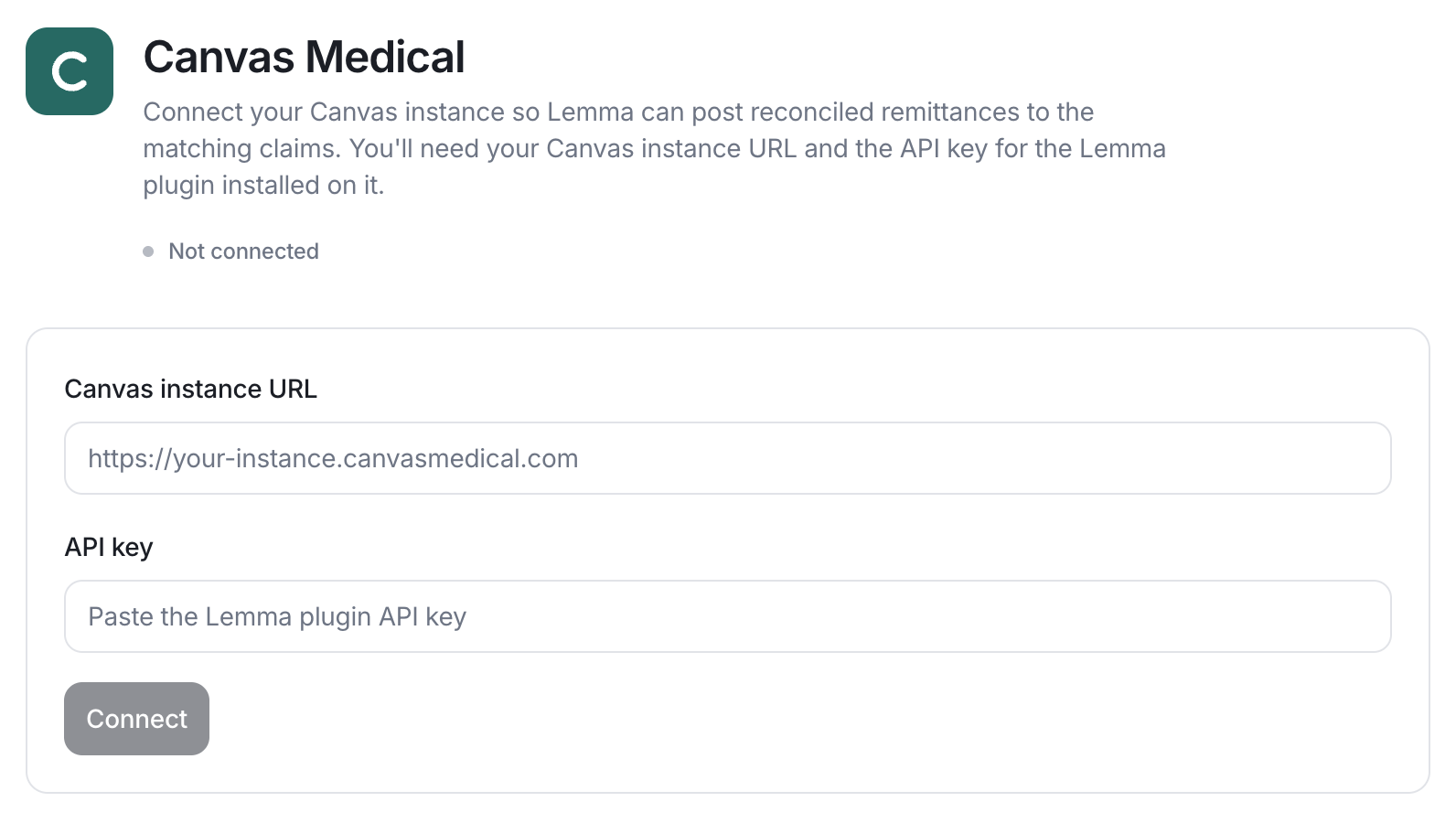
Connect Canvas Medical
You need your Canvas instance URL and the API key for the Lemma plugin installed on that instance.1
Install the Lemma plugin in Canvas
Install the Lemma plugin on your Canvas instance and generate its API key.
2
Enable Canvas for your entity
Provide Lemma your Canvas instance URL and the plugin API key. Lemma stores
the key securely. Never paste it into a support message.
3
Confirm the connection
Once connected, the Canvas Medical card on your Integrations
settings page shows as
connected.