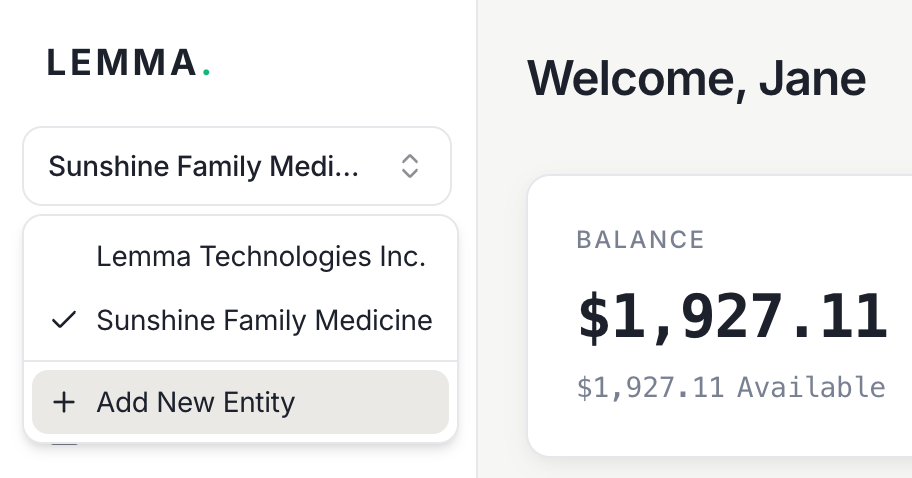
You can manage multiple entities under the same email login. To add a new entity, go to Add New Entity in the sidebar — no separate email required. Use the entity switcher to move between entities you’ve created without signing out.
The entity switcher in the sidebar showing two linked entities and a button to add a new entity.
Linking entities to a single login gives you:
  • Instant transferstransfers between your linked entities are free, instant, and available 24/7
  • One login for everything — switch between entities without managing separate credentials
  • MSO-PC friendly — management services organizations and professional corporations can keep finances separate while maintaining easy access to both

Inviting others to an entity

If you want other people to view or manage an entity, invite them as team members instead of sharing your login. See Team management for details on inviting users and assigning roles.