

How to categorize a transaction
From the transaction details
Click any transaction to see its details. Use the Category dropdown to assign a category.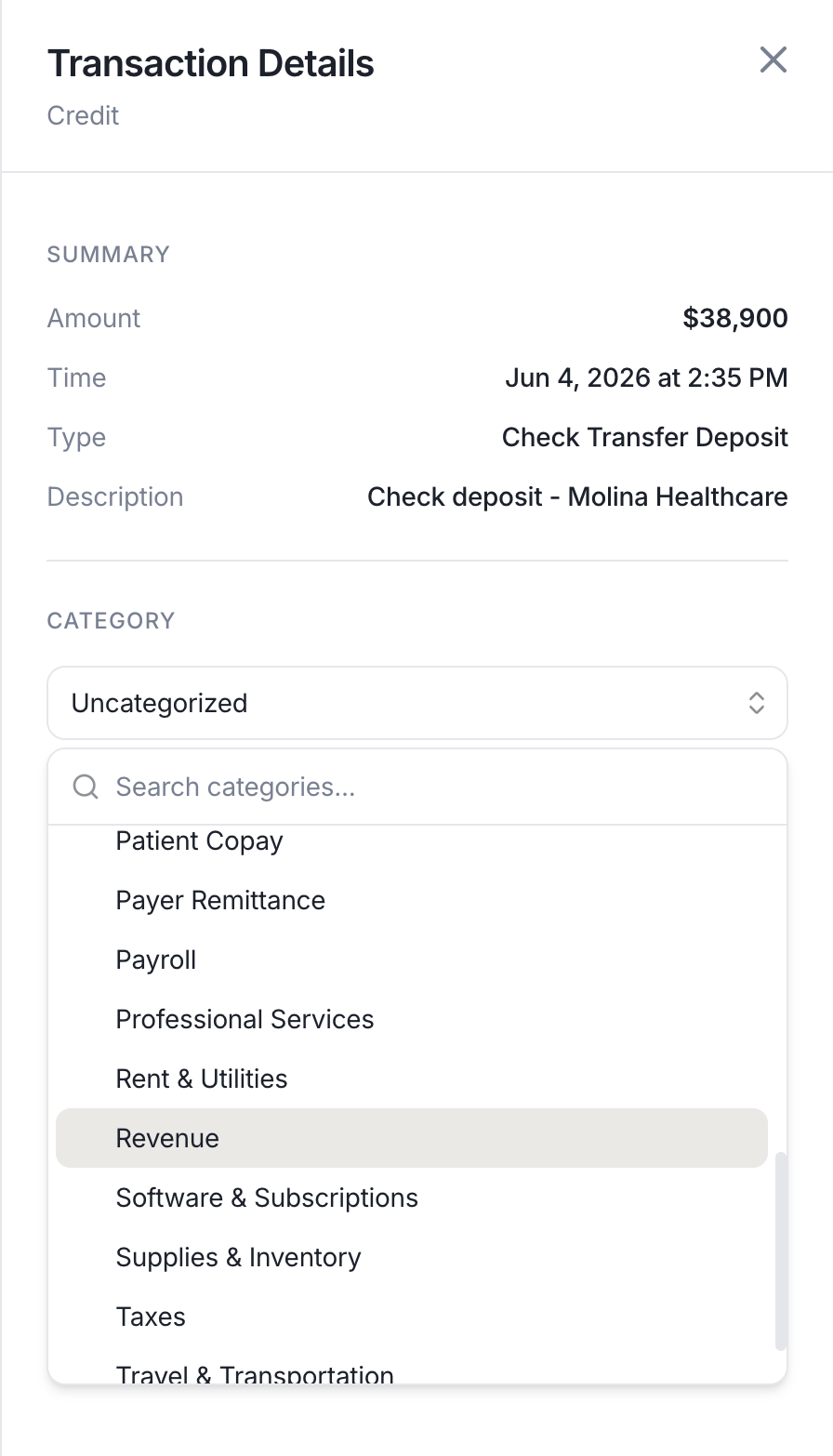
The category dropdown in the transaction detail panel.
When sending a transfer
Every time you send money when you send externally or transfer within Lemma, you will see an optional Category field. The category is applied to the resulting transaction the moment it’s created, so there’s nothing to tag afterwards. If the transfer needs approval first, the category is applied when the transfer is approved and sent.On a cash sweep
A cash sweep can carry a category too. Lemma applies it to the outgoing transaction of every transfer the sweep makes, so recurring payments like MSO fees are tagged automatically.Built-in categories
The following categories are available to every entity by default:Why categories matter for MSOs
Management services organizations that operate under a management services agreement (MSA) must keep a clear audit trail distinguishing payments made under the MSA from loans made to the professional corporation. Misclassifying an MSO fee as a loan repayment (or vice versa) can create legal exposure during a practice acquisition, state licensing review, or tax audit. Categories make that distinction explicit. Tagging every outbound transfer as MSO Fees or MSO Loan Repayment as it happens, rather than reconstructing intent months later, keeps your records defensible.Custom categories
Creating a custom category
Owners and accounting members can add custom categories from Transaction category settings. You can always rename a custom category later.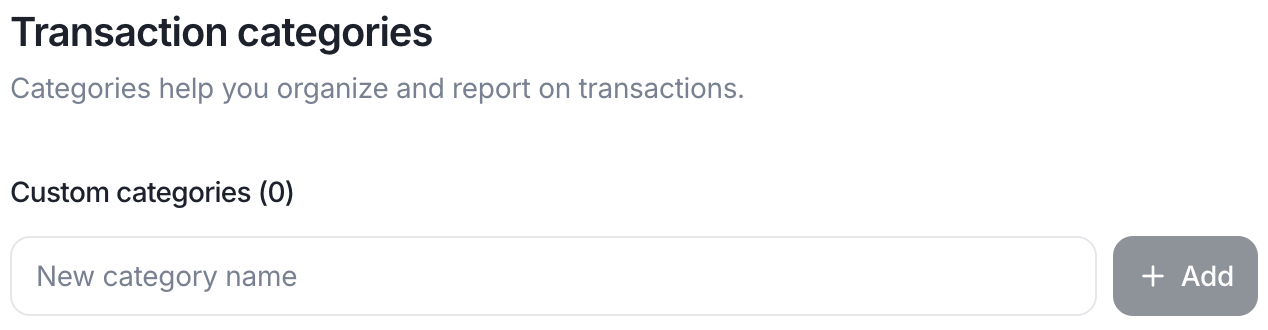
Adding a custom category from Transaction Categories settings.